PRESENTATIONS · FREE

A Keynote and PowerPoint remote for
your Mac on your iPhone

You can advance your Mac's slides from your iPhone, move the pointer and change the volume while you walk around the room. MacSway sends arrow keys and the cursor to the Mac, so it works with presentations you can advance with the keyboard, such as Keynote or PowerPoint. The free trackpad and keyboard are enough.

Free to start · iOS 17+ · macOS 14+ · Both apps required
Signed and notarized by Apple · macOS 14+ · Apple silicon and Intel
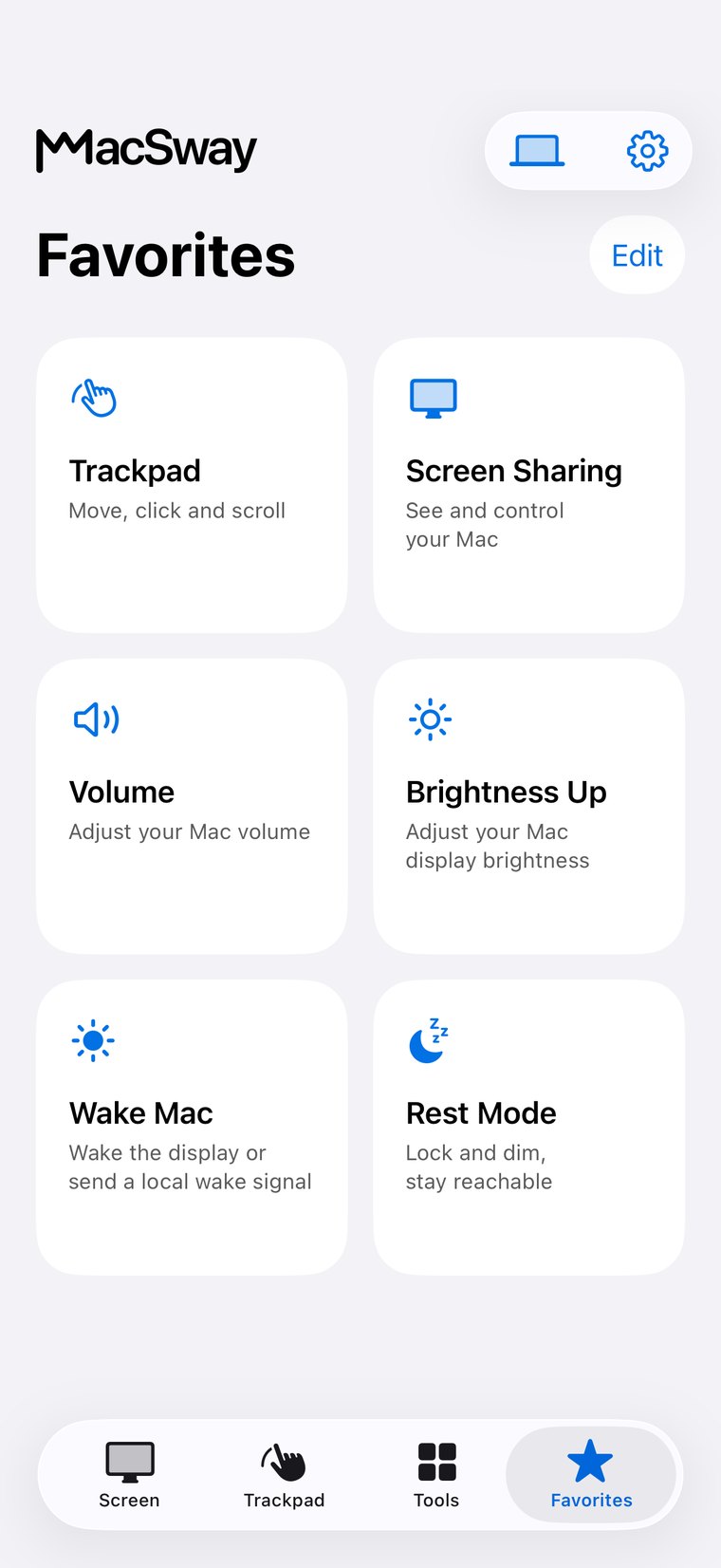
MacSway Favorites screen
✦
Slides and pointerFree to use
VolumeFree to use
NO ACCOUNT · NO CLOUD RELAYSee features
01

What you can do with MacSway while presenting

MacSway is an iPhone app that turns your iPhone into a remote for your Mac. The basics of presenting are free.

  • Advance slides: use the keyboard's arrow keys to go to the next or previous slide.
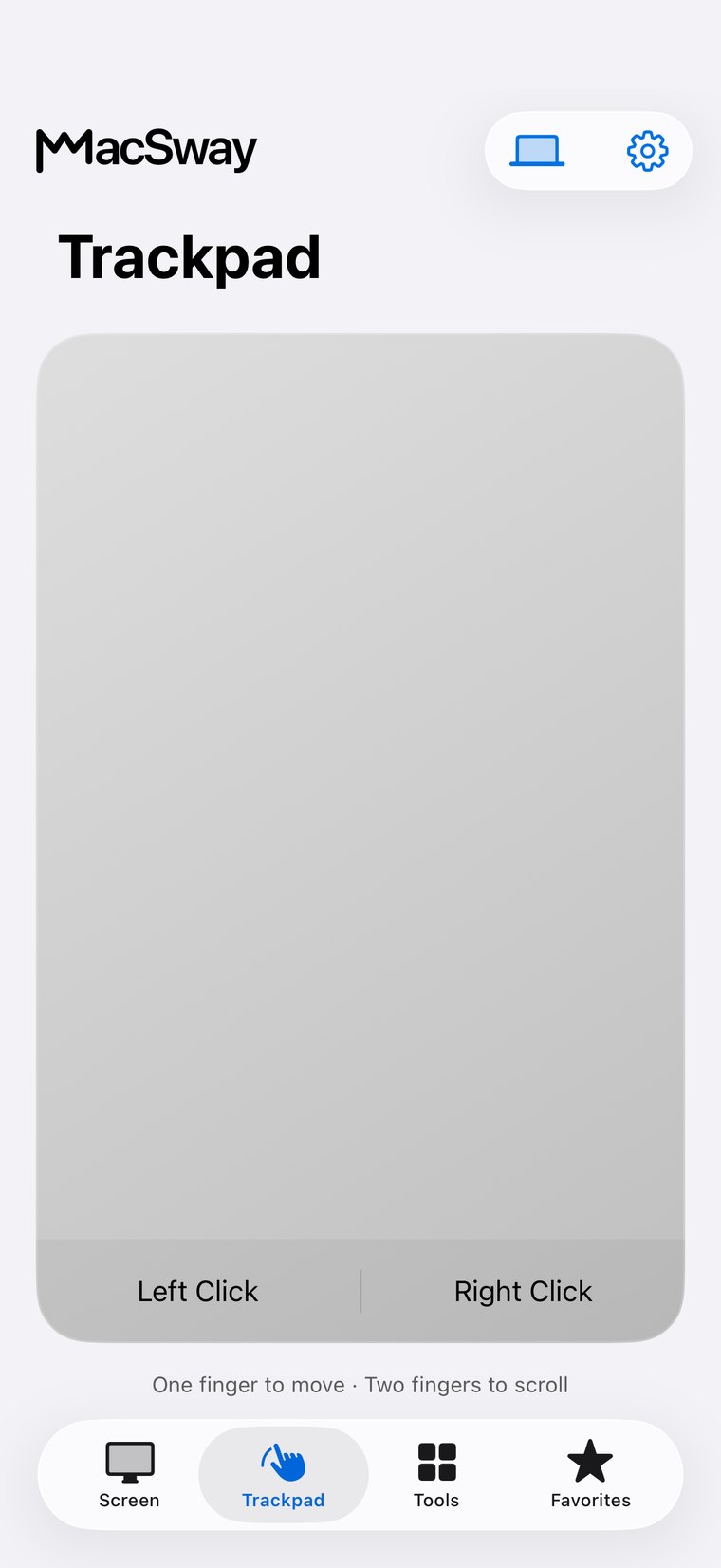
  • Point: use the trackpad to move the cursor on the projected image.
  • Volume: adjust it with a slider and mute the Mac.
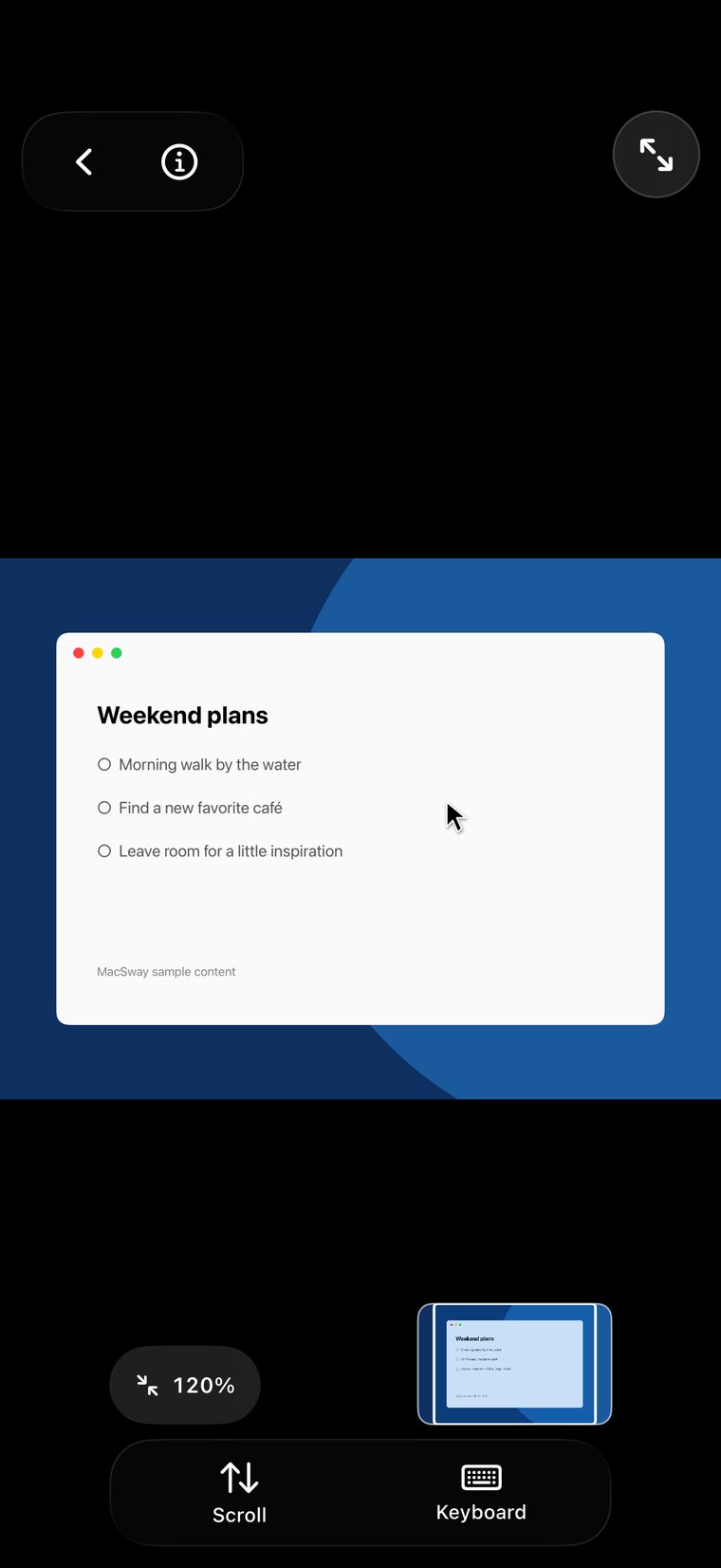
  • Screen: with Pro you also see the Mac screen on your iPhone.
MacSway
MacSway
02

When it helps

When the Mac is connected to a projector or TV and you are not standing next to it.

  • Walking around the room: advance slides while you talk to the audience.
  • Teaching: control the presentation away from the desk.
  • At home: flip through a photo series from the couch.
  • Important: the iPhone and the Mac need the same Wi-Fi.
MacSway
MacSway

MacSway for presenting at a glance

01↗
↓

What you need

The iPhone app, the Mac app and the same Wi-Fi. On the Mac you allow Accessibility. It works with any Mac running macOS 14 or later: MacBook Air and Pro, iMac, Mac mini, Mac Studio and Mac Pro, with Apple silicon or Intel.

02↗

What it costs

Advancing slides, the pointer and volume are free. Viewing the Mac screen is Pro: $3.99 a month, $24.99 a year or $49 once (US prices).

03↗

How private it is

The connection is direct and encrypted, and pairing is a six-digit code. There is no account and no MacSway server.

04✓
↓

Limits

MacSway is not a dedicated presentation app: it has no slide timer or notes view. It runs over Wi-Fi, so try it first in a new room.

AWAY FROM HOME

Reach your Mac
when you are away.

At home MacSway works over your Wi-Fi. Away from home, set up Tailscale on both devices and MacSway reaches your Mac across networks. Leave the Mac on and plugged in, with the companion app running. No MacSway account required.

DownloadBoth devices need Tailscale and internet. The Mac must stay on and reachable: plugged in, with a long auto-lock or in Rest mode.
PRICING

Free to start.
Pro when you need more.

Trackpad, keyboard and volume are free. Pro adds the screen sharing, widgets and remote access.

FREE
$0forever

Everyday control at no cost.

  • Local trackpad and gestures
  • Keyboard input
  • Volume controls
Try it
LIFETIME PRO
$49one time

Every Pro feature, paid once.

  • All Pro tools included
  • Non-renewing purchase
  • No recurring subscription
Try it

Build for community. Build from anywhere. 💙

FAQ

Common
questions.

Quick answers before you install.

Can I advance slides in Keynote or PowerPoint with MacSway on my iPhone?

MacSway sends the keyboard's arrow keys to your Mac, so you can advance slides in any presentation program that responds to the keyboard, for example Keynote or PowerPoint. This is free.

Can I point with the cursor on the projected image?

Yes, with the MacSway trackpad you move the Mac's cursor from your iPhone and tap to click. The trackpad is free.

Can I change the volume while presenting?

Yes, MacSway changes the Mac volume with a slider in steps of 10 and can mute it. Volume control is free.

Can I see my slides on my iPhone?

Yes, with MacSway Pro screen sharing the Mac screen appears on your iPhone. The free plan has no screen, only the trackpad, keyboard and volume.

Is MacSway free for presenting?

Yes, the MacSway trackpad, keyboard and volume control you use for advancing, pointing and volume are free, with no MacSway account.

How far away does the MacSway remote work?

MacSway works over the Wi-Fi connection between your iPhone and Mac, so the range depends on the network. MacSway does not promise a specific delay.

Do I need internet or the same Wi-Fi?

For MacSway the iPhone and the Mac need to be on the same Wi-Fi. Away from home it also works with Pro and Tailscale, but in a room the same Wi-Fi is the simplest.

How is MacSway different from a presentation clicker?

MacSway is not a dedicated presentation tool but a general Mac remote: it advances, points and sets the volume, but has no slide timer or notes view. In return you get the trackpad, keyboard and, with Pro, the Mac screen in the same app.

Control your Mac
from your iPhone.

Install the Mac app and the iPhone app, pair with a six-digit code, and start.

Coming soon to the App Store

MacSway is in App Store review. Leave your email and we will send you a single message when it is available.