NOTIFICATIONS · NEW IN 1.5

Get Claude Code and Codex
notifications on your iPhone

Leave the desk and still know the moment Claude Code or Codex needs you. MacSway turns their permission questions and finished tasks into a short notification on your iPhone, and you can answer from the same app.

Free · iOS 17+ · macOS 14+ · Both apps required
Signed and notarized by Apple · macOS 14+ · Apple silicon and Intel
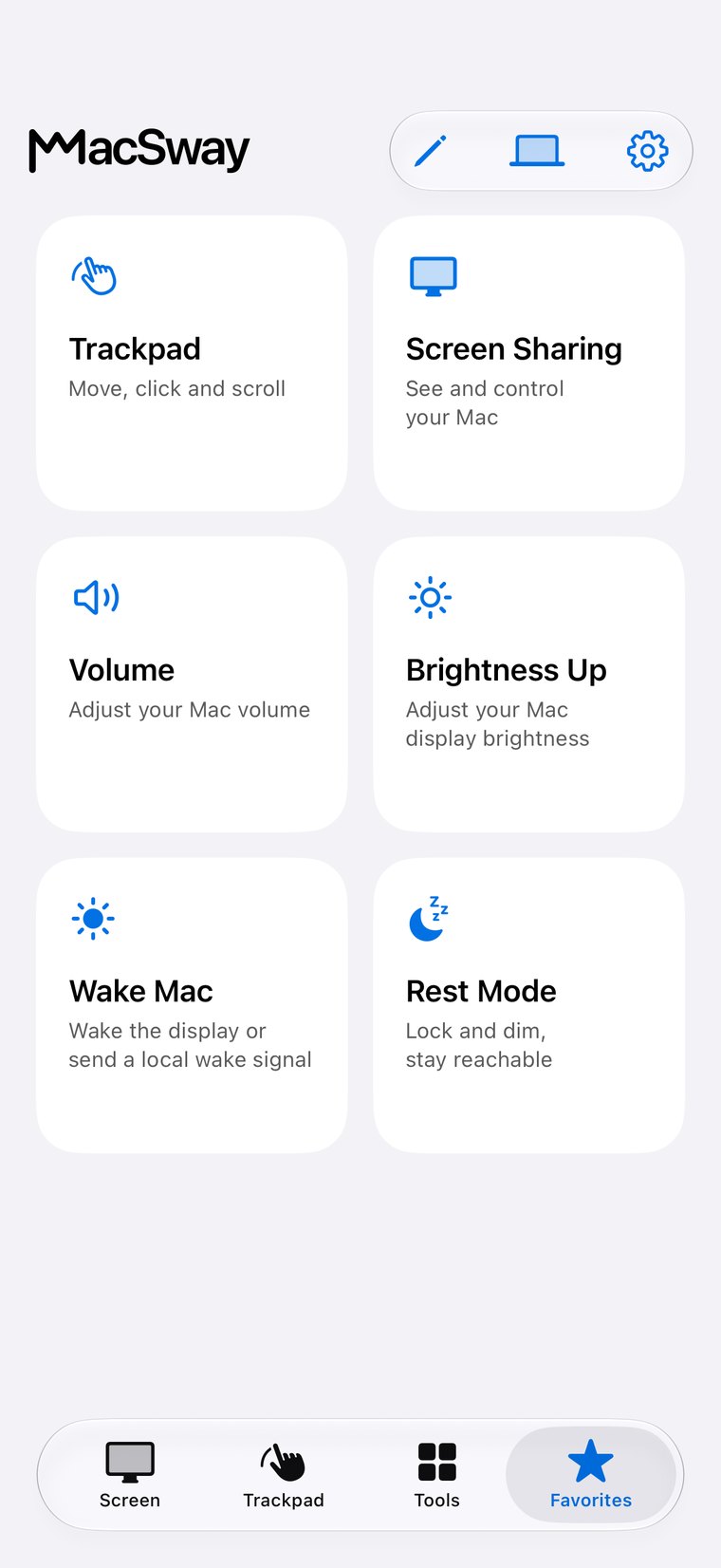
MacSway Favorites screen
✦
Claude Code and CodexEven when locked
No accountNo server of ours
NO ACCOUNT · NO CLOUD RELAYSee features
01

What you get

  • Claude Code: a notification when it asks for your permission (for example to run a command) and, if you want it, when it finishes.
  • Codex: a notification when a task finishes. Codex only reports finished tasks to outside tools, so permission questions are not available from Codex.
  • Other tools: any script or tool can send a short message through a small helper on your Mac.
  • Only what matters: by default MacSway sends just the messages that need you, such as permission questions. One switch in Settings adds the finished ones.
MacSway
MacSway
02

It reaches you with the app closed

While MacSway is connected, the message travels over the same encrypted connection as everything else. When the app is closed or the iPhone is locked, MacSway uses your own iCloud: the Mac writes a short record into your private iCloud storage and iOS shows it as a normal notification. There is no MacSway server in between and no account to create. Your Mac and your iPhone need to be signed in to the same Apple Account.

MacSway
MacSway

Good to know

  • It sends a title and a short text only: no screen, no files, no code from your project.
  • It does not copy the Mac's own macOS notification center; macOS does not let other apps read it. It carries the messages of the tools you connect.
  • Notifications are rate limited and shortened, so a noisy tool cannot flood your phone.
  • You can switch Claude Code, Codex and other tools on or off one by one, and turn everything off in Settings.
  • Tapping a notification opens MacSway, where you can look at the Mac screen and answer.

Set up in three steps

01↗
↓

Install the free MacSway companion on your Mac and pair your iPhone as usual.

02↗
↓

In the MacSway menu on the Mac, connect Claude Code and/or Codex. MacSway adds its helper next to your existing settings and keeps anything you already had, and Disconnect puts it back.

03✓
• • •
• • •

On the iPhone, open Settings and turn on Notifications from your Mac. Allow notifications when iOS asks.

Also in this update

01↗
↓

Feedback form

tell the developer what you like, miss or dislike, from Settings.

02↗

Background setting

choose how long MacSway keeps the connection when you leave the app (iOS limits this to a short time).

03↗

Mouse and keyboard

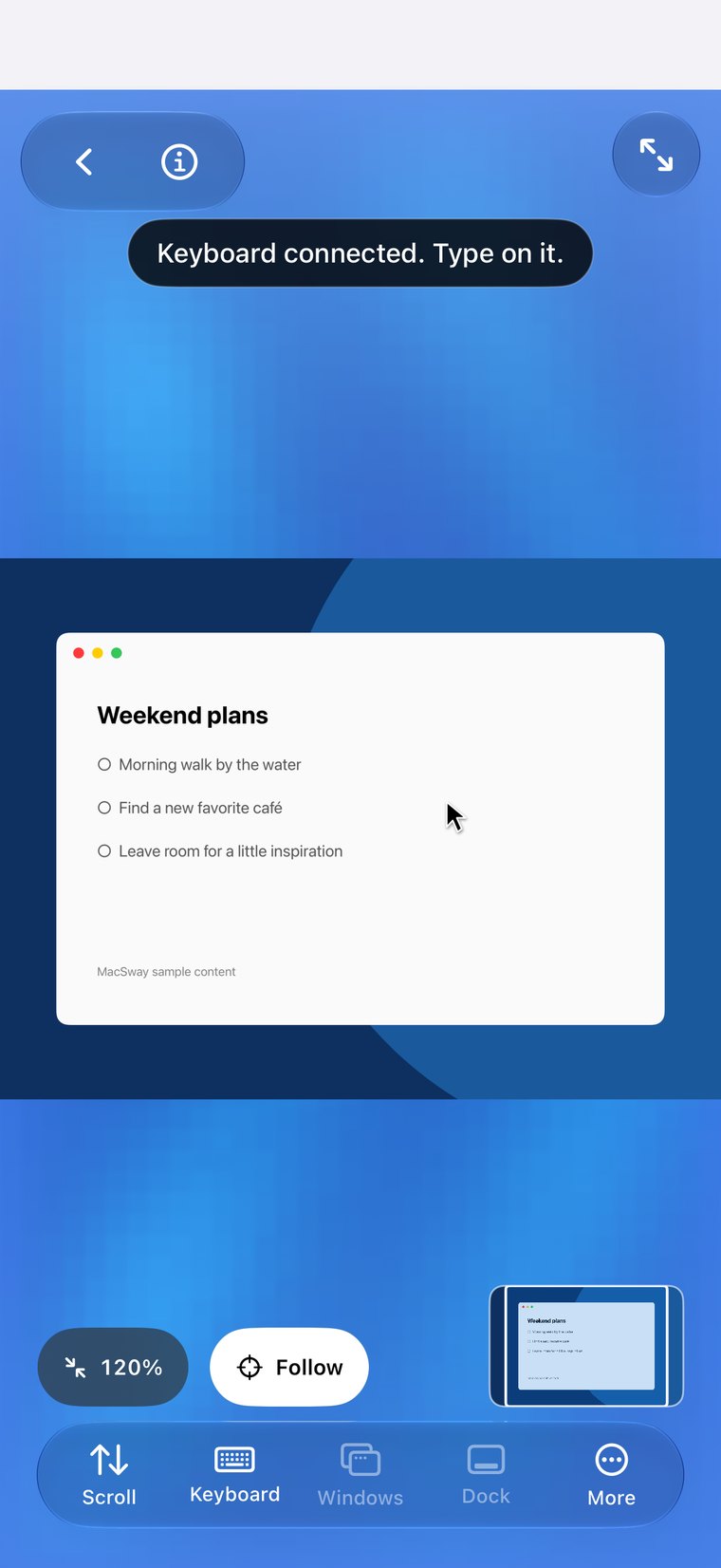
a physical mouse or keyboard connected to the iPhone or iPad controls the Mac.

04✓
↓

Swipe back

swipe from the left edge to go back, as everywhere on iOS.

AWAY FROM HOME

Reach your Mac
when you are away.

At home MacSway works over your Wi-Fi. Away from home, tap Connect remotely and your iPhone connects to the Mac directly, peer to peer and encrypted, with no MacSway server in between. Leave the Mac on and plugged in, with the companion app running. No MacSway account required.

DownloadBoth devices need internet. The Mac must stay on and reachable: plugged in, with a long auto-lock or in Rest mode.
PRICING

Free for everyone.
Every feature included.

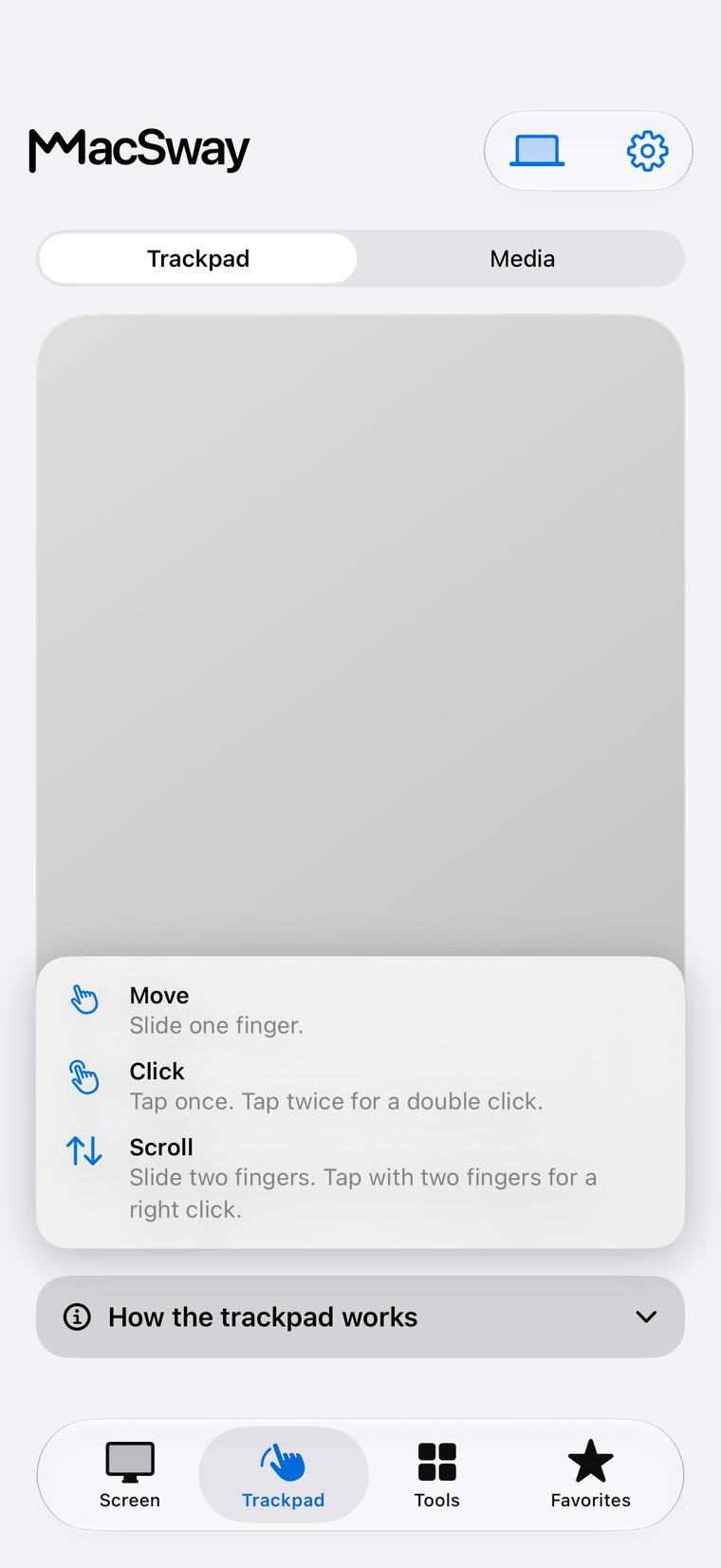
Trackpad, keyboard, volume, screen sharing, widgets and remote access are all free.

Build for community. Build from anywhere. 💙

FAQ

Common
questions.

Quick answers before you install.

Can I get Claude Code notifications on my iPhone?

Yes. Connect Claude Code in the MacSway menu on your Mac, turn on notifications in the MacSway iPhone app, and you get a short notification when it asks for permission or finishes. It is available in version 1.5.

Does it work with Codex?

Yes, for finished tasks. Codex does not report permission questions to outside tools, so those cannot be forwarded.

Does it work when the iPhone is locked or the app is closed?

Yes. MacSway then delivers through your own iCloud, so the Mac and the iPhone must use the same Apple Account.

Does it cost anything or need an account?

No. MacSway is free, there is no MacSway account and no MacSway server in the path.

Control your Mac
from your iPhone.

Install the Mac app and the iPhone app, pair with a six-digit code, and start.